
Step-by-step instructions to access our Safeguarding in Research online training.
In four sections:
- Create a login for the learning platform (Athena)
- Enrol on the course (Safeguarding in Research)
- Start your course
- Get help
A
Create a login for the learning platform (Athena)
1. Navigate to the Athena login page at Athena.leeds.ac.uk and select New Account.

2. Click Sign-up.

3. Enter your email address and add your name details. Choose a password and check the box ‘Agree to our Terms of Service & Privacy Policies’.
Note: Passwords must be a minimum of 12 characters with at least one lower case, one upper case, one numeric and one special character.
4. Click Save.
5. A security token will be sent to your email address.
6. Enter the token in the next screen and click Validate to create your account.
7. You will be notified that your account has been created and prompted to sign-in to Athena.
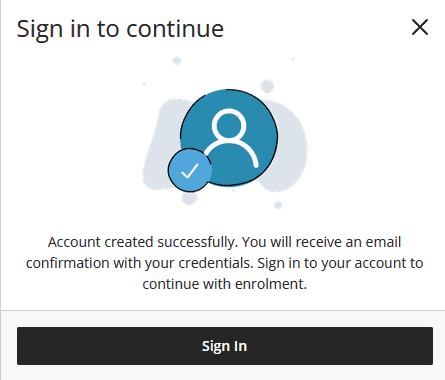
8. Enter your email address in the next screen and click Submit.
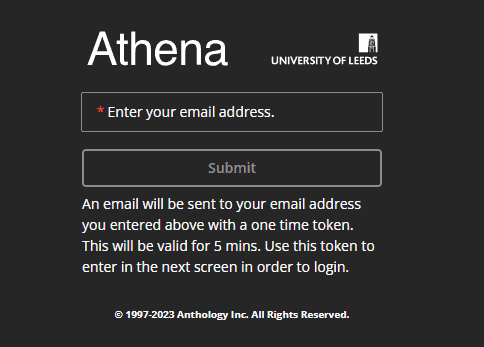
9. A token will be sent to your email address, enter this token in the next screen and click Submit to login to Athena.
10. If you are unable to launch Athena in your browser when attempting to create an account, please see our Troubleshooting Athena Guide.
B
Enrol on the course (Safeguarding in Research)
1. Find University of Leeds Safeguarding in Research Course in the Athena Catalogue and click Learn More.

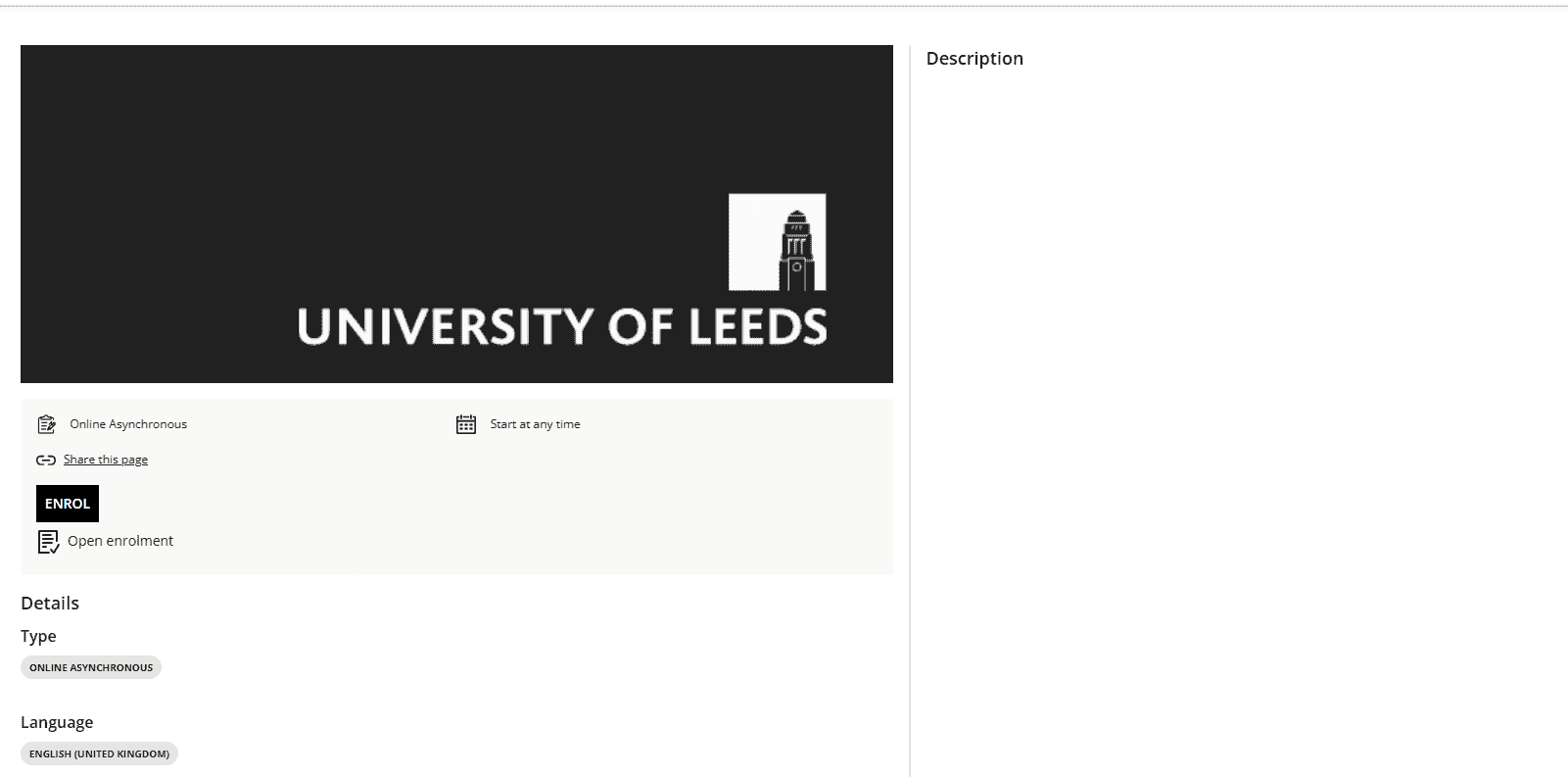
2. Select Enrol. This will open an enrolment confirmation dialog box. Click Enrol to proceed.
3. Select Continue to request approval for your enrolment.
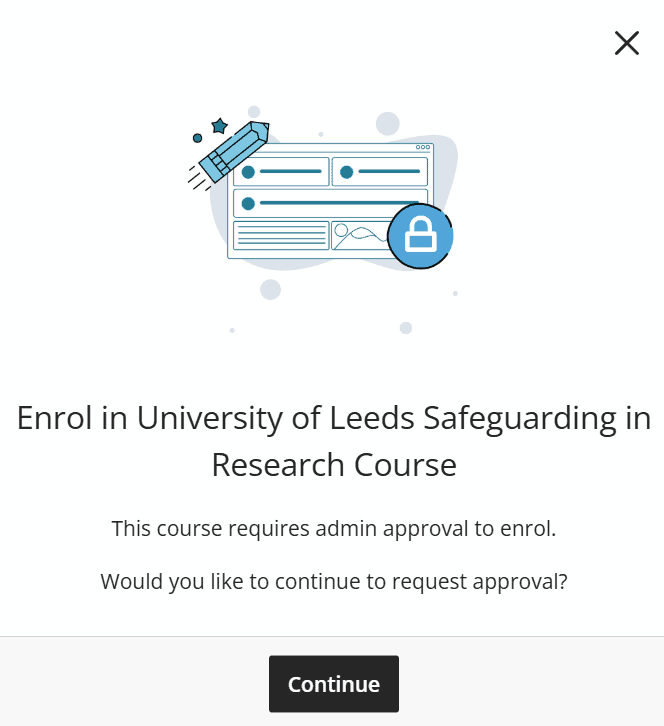
4. Email Helen Plante ([email protected]) to request approval for your enrolment and to receive the course slides in French.
5. You can access your course through ‘My Dashboard’ in Athena.leeds.ac.uk once your enrolment has been approved.
C
Start your course
1. Navigate to Athena.leeds.ac.uk and select Learner Access.
2. Enter your email address and select Submit.
3. A token will be sent to your email address, enter this token in the next screen and click Submit to login to Athena.
4. Find University of Leeds Safeguarding in Research Course in the Athena Catalogue and click Details.
5. Select Go to Dashboard then Start Course to begin.
D
Get help
Please contact [email protected] if you have any queries.